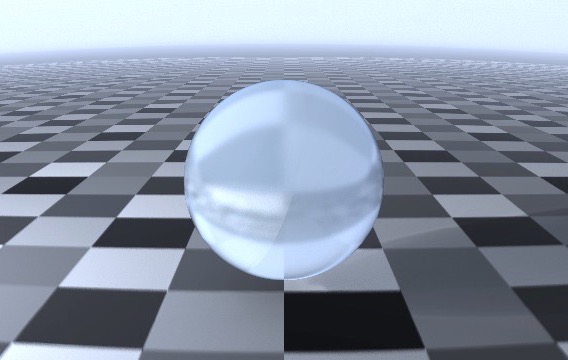
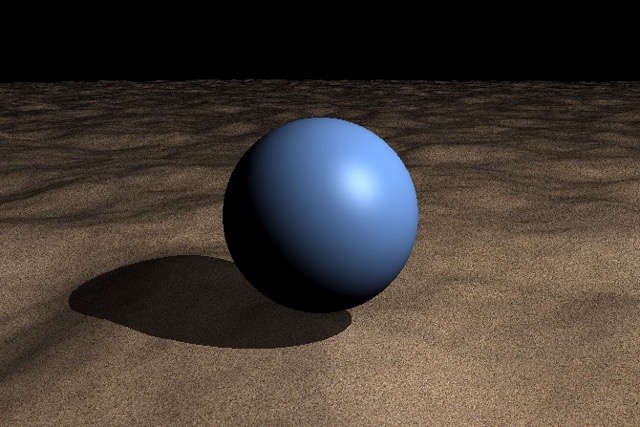
In the previous article, I explained how to render solid objects using the ray marching method. However, since the ray stops marching at the boundary of the object, it cannot successfully render translucent or transparent objects. This article delves into the ray marching method for a generali...
Ray marching is a technique for rendering a 3D scene onto a 2D screen. As the name suggests, a bundle of rays marches incrementally, checking for intersections with objects. This post will walk through how to implement ray marching in GLSL step by step, covering topics such as distance maps, n...
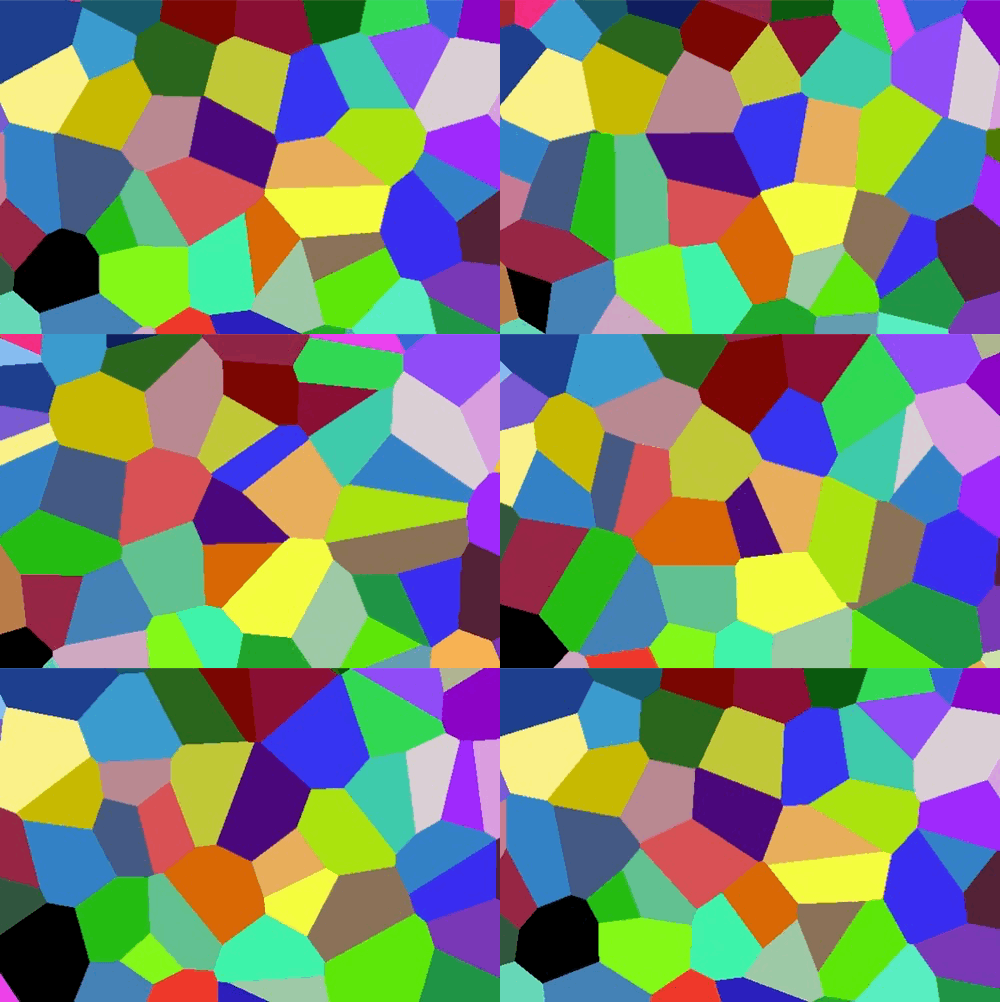
Cellular noise partitions space based on the distance to a set of seed points, producing organic, cell-like patterns. It finds applications in computer graphics, natural simulations, and generative art. In this post, we explore several variations of the cellular noise implemented in GLSL: Voro...
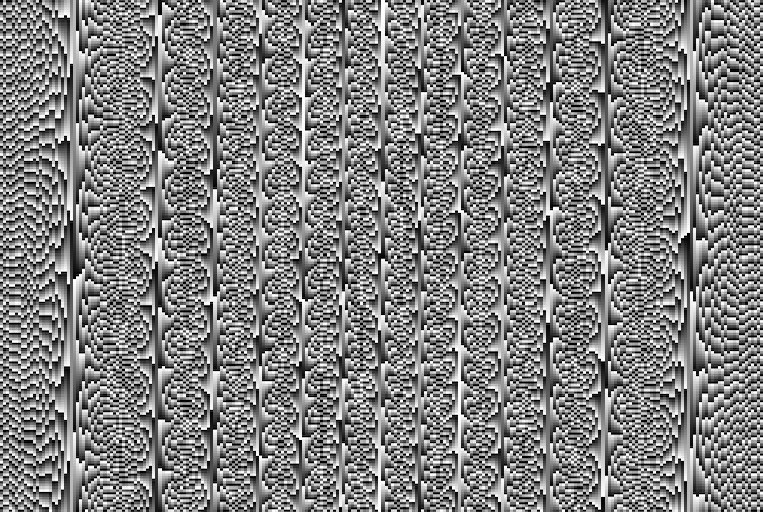
In this post, I explored the randomness of pseudo-random sequences generated by different functions: sinusoidal, power, and linear. By examining the histogram and autocorrelation of these sequences using MATLAB, I demonstrated how sinusoidal and power functions exhibit more randomness than a s...
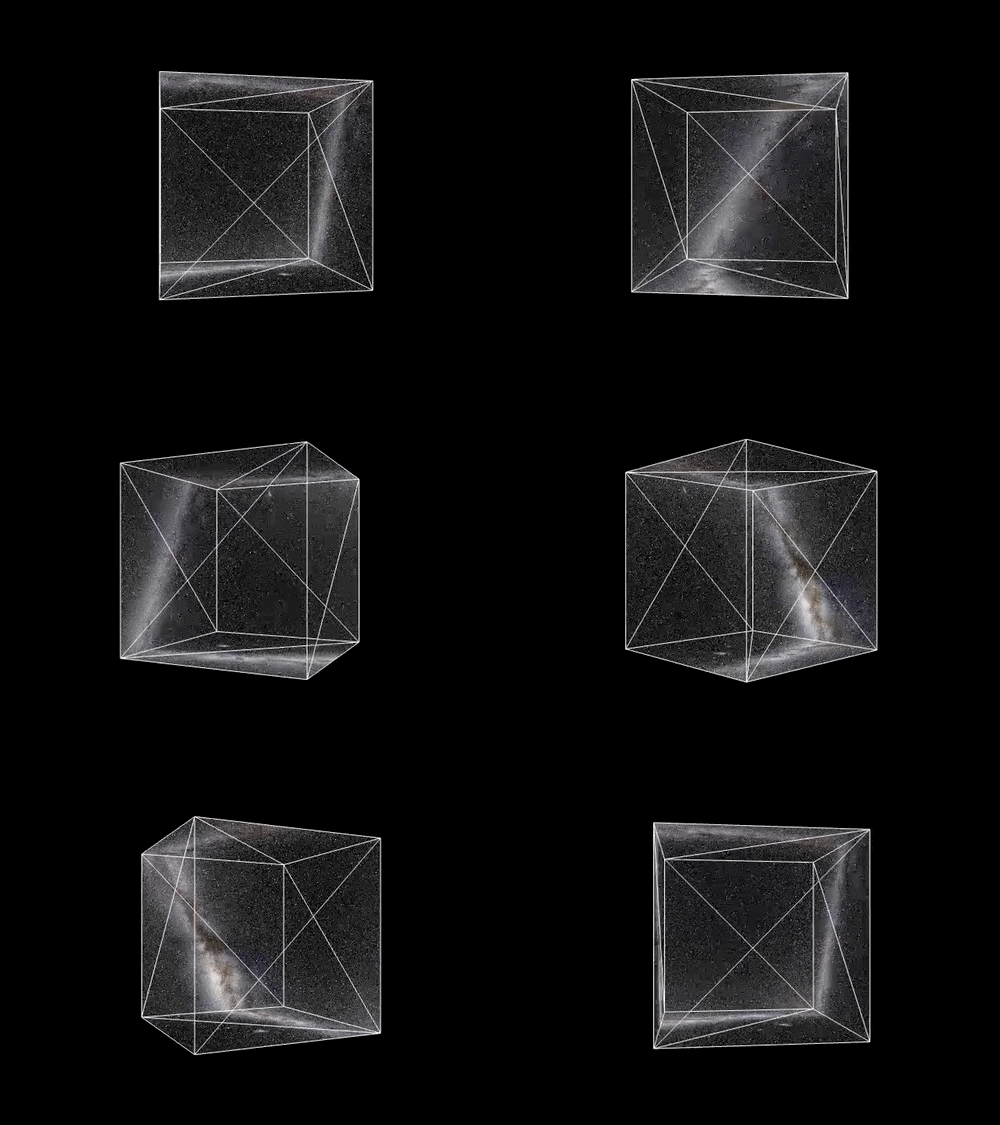
This post is the final step of our solar system project using Three.js. We will add a realistic Milky Way background. This will enhance the feeling of exploring the solar system. To do this, we will create a large cube with Milky Way texture on the inner face of the cube.
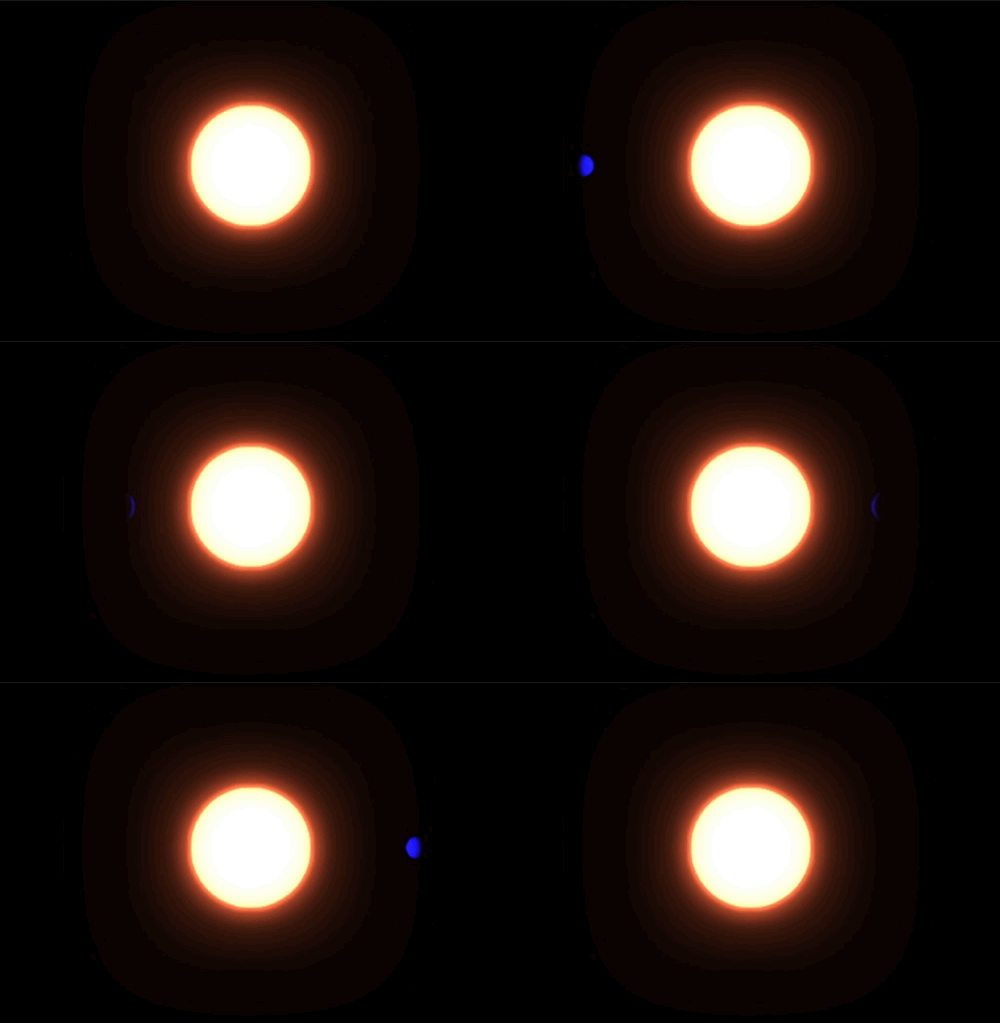
This post explains how to apply a bloom effect to specific objects in a Three.js scene using multiple EffectComposer instances and layers. By leveraging Three.js Layers, objects that require the bloom effect are isolated into a dedicated layer. A “bloom composer” renders only these objects wit...
Post-processing in Three.js is a technique used to enhance the visual quality of rendered 3D scenes by applying various effects such as bloom, depth of field, and glitch effects. These effects are added after the main rendering process, giving developers control over the final appearance of a ...
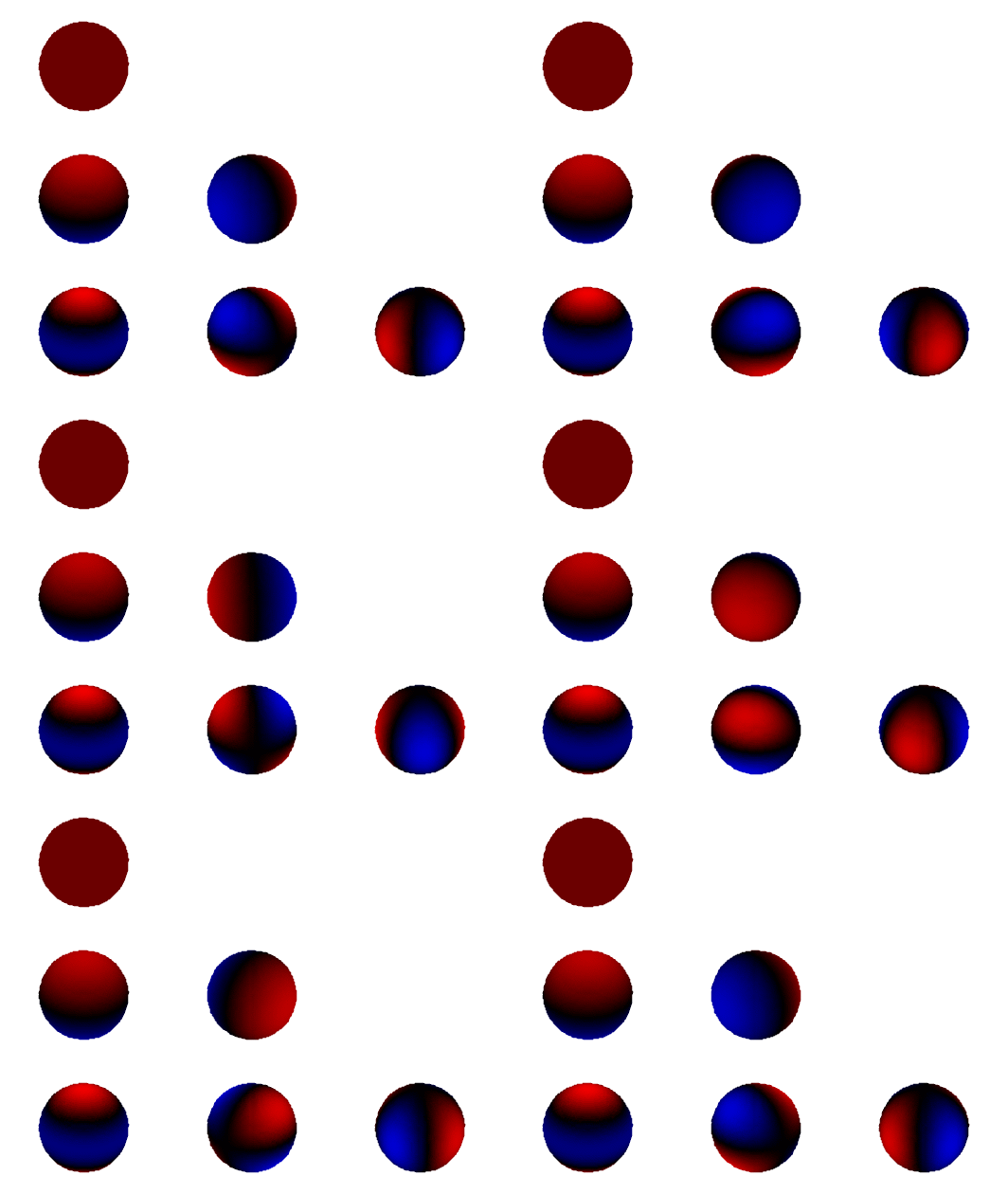
This article introduces Spherical Harmonics (SH) and explains their mathematical foundation and applications. It covers how SH functions are used to represent data on spherical surfaces, particularly in computer graphics, including 3D Gaussian Splatting field. The interactive demo allows users...
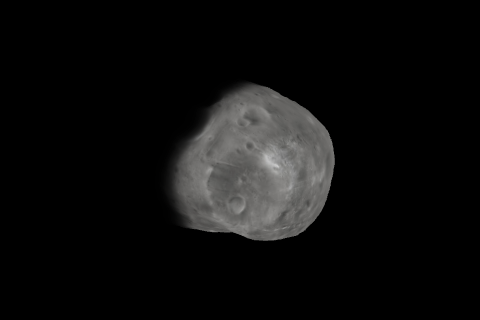
Until now, I’ve illustrated celestial bodies as a completely spherical shapes: Earth, Sun, and Saturn. They have enough gravity to form nearly smooth, spherical shapes. However, Phobos, one of Mars’ moons, has an irregular shape due to its low mass and weak gravity, which aren’t strong enough ...
In the solar system, there are two main types of planets: rocky and gas giants, some of which have rings. Among them, Saturn is the most well-known gas giant with prominent rings. This project focuses on creating a realistic 3D model of Saturn, with a detailed representation of its rings, surf...
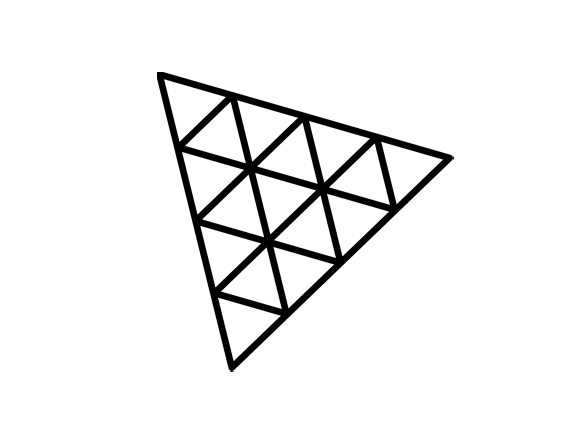
This article provides an overview of interpolation methods including flat, linear, and cubic, along with examples. I’ll provide a simple example to use them. These interpolation methods aim to compute a value inside vertices and, further, advanced interpolation methods aim to make smooth value...
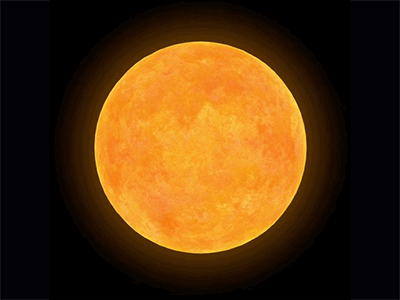
In the previous article1, we’ve created a realistic Earth. Unlike the Earth that consists of solid elements, the sun is full of gas. In order to render a gas flowing through the surface of the sun, I’ll utilize fractal noise, a.k.a., fractal Brownian motion, that is mentioned at here2. Also, I...
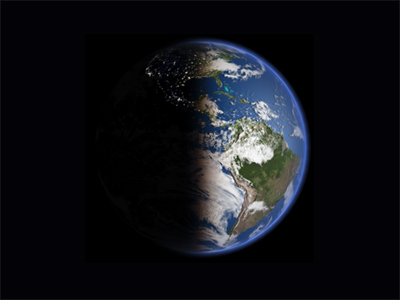
Let’s return to creating a realistic Earth using Three.js. Unlike the previous Earth1, we are going to render Earth using shader material. First, we will describe the day and night with two different textures, since there are city lights at night. Second, I’ll make an effect for mountain shado...
Now, it’s time to design a custom pattern to illustrate the shader. Since all vertex and fragment is “blind” to others, we have to script a code with different manner from the concurrent programming. Thus, the position and color of a vertex should be defined with its own attributes and the sha...
A shader program consists of vertex and fragment shaders. A vertex shader defines the geometric attributes of vertices, whereas fragment shader defines their color. In this post, I’ll address how to create the vertex and fragment shaders and how to use them.
GLSL (OpenGL Shading Language) is a programming language for simple program, Shader, that describes the color attribute of each vertex in parallel computation. Thus, all vertices do not know the status of other vertices nearby, i.e., vertices are blind to the others. But, if we use a uniform v...
A shader material is rendered with a custom shader. It requires vertex and fragment shaders which are written in GLSL (openGL Shading Language) code and depict the position of a vertex and its color, respectively. Since these codes run on the GPU using WebGL, a ShaderMaterial is rendered prope...